React Native Maps SDK Examples
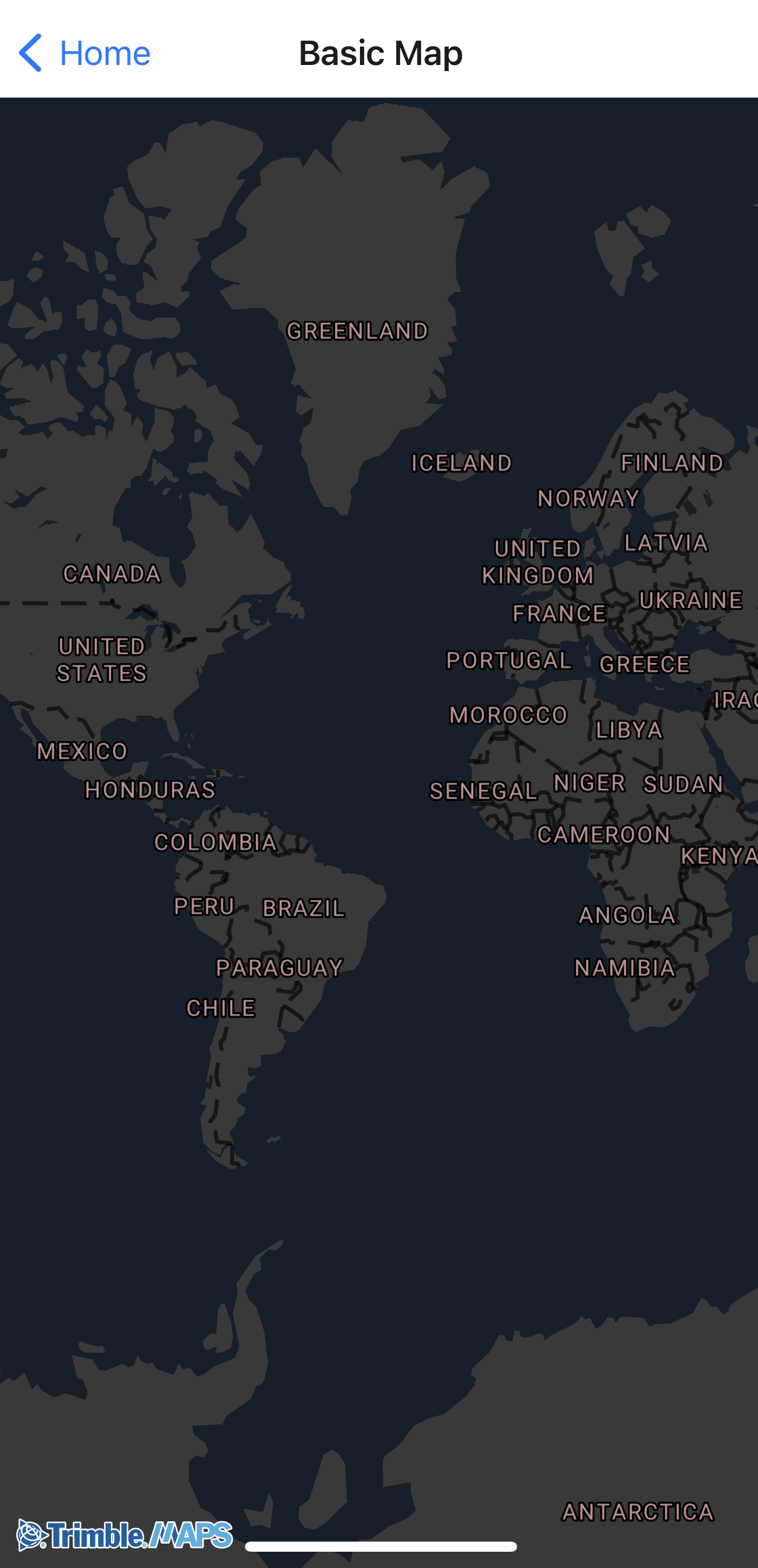
Basic Map
Add a map to your application using the declarative Map and Camera components.

Data driven styling
Apply different styles to data depending on specific parameters.

Dots on a Map
Visualize point data on top of the map using GeoJSON sources and circle layers.

Geocoding
Geocode an address from a search query and zoom to that location on the map.

Lines on a Map
Draw lines on a map using LineString GeoJSON features.

Simple Routing
Calculate a route using Trimble Maps data for commercial vehicles and draw it on the map.

Tracking Follow Me
Track the user’s location on the map with UserLocation and Camera.

Trimble Layers
Add specialized layers to the map, ranging from weather alerts to 3D buildings.

Map Styles
Set the map to night, day, satellite, or multiple other styles.

Reverse Geocoding
Retrieve the nearest address for given longitude and latitude coordinates.

Symbols on a map
Display custom symbols to mark locations on the map.

Fill a polygon
Draw and shade a polygon around a location.

Frame Locations
Animate the camera to frame a bounding box around multiple locations.

Clickable Points
Display map tap coordinates when the user presses the map.

Location Cycling
Cycle the camera between preset locations with flyTo animations.

Avoid Favors
List avoid and favor sets configured for your Trimble Maps account.