Data driven styling
Apply different styles to data depending on specific parameters using style expression arrays in layer paint properties.
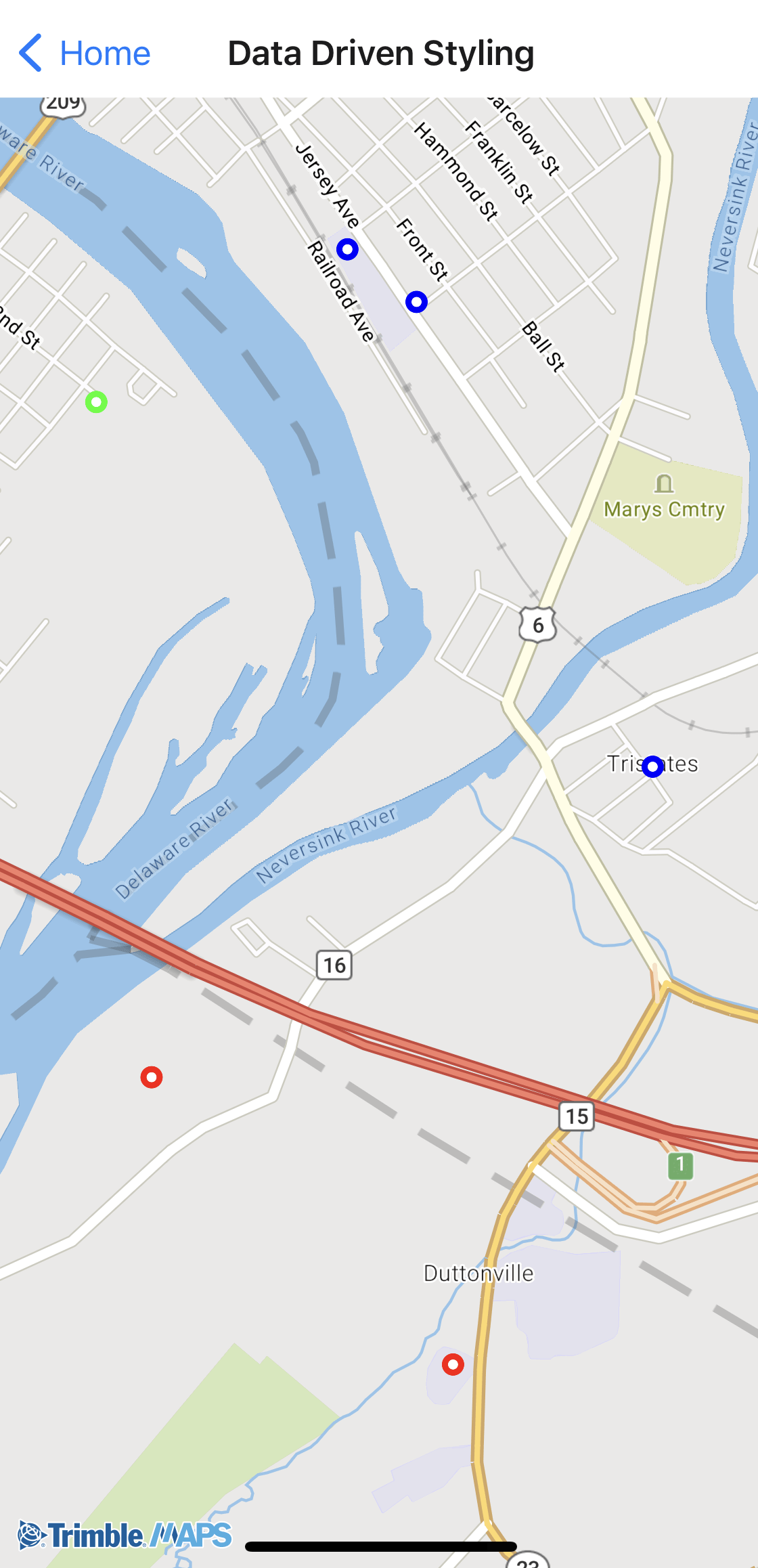
Sample code
import { Camera, GeoJSONSource, Layer, Map, TrimbleMaps } from "@trimblemaps/maps-react-native";

<GeoJSONSource id="states" data={geojson}>
  <Layer
    id="states-circle"
    type="circle"
    paint={{
      "circle-radius": 10,
      "circle-color": [
        "match",
        ["get", "state"],
        "PA", "#0063A3",
        "NJ", "#E87722",
        "NY", "#4CAF50",
        "#cccccc",
      ],
    }}
  />
</GeoJSONSource>
Each feature in the GeoJSON should include the property referenced in the expression (for example "state": "PA").
Sample GeoJSON (tristate.json)
{
  "type": "FeatureCollection",
  "features": [
    {
      "type": "Feature",
      "geometry": { "type": "Point", "coordinates": [-74.68954, 41.369863] },
      "properties": { "state": "NY" }
    },
    {
      "type": "Feature",
      "geometry": { "type": "Point", "coordinates": [-74.687007, 41.349811] },
      "properties": { "state": "NJ" }
    },
    {
      "type": "Feature",
      "geometry": { "type": "Point", "coordinates": [-74.704292, 41.364475] },
      "properties": { "state": "PA" }
    },
    {
      "type": "Feature",
      "geometry": { "type": "Point", "coordinates": [-74.68222, 41.36056] },
      "properties": { "state": "NY" }
    },
    {
      "type": "Feature",
      "geometry": { "type": "Point", "coordinates": [-74.710335, 41.360504] },
      "properties": { "state": "PA" }
    }
  ]
}