Fill a polygon
Draw and shade a polygon around a location using a fill layer on a GeoJSON polygon source.
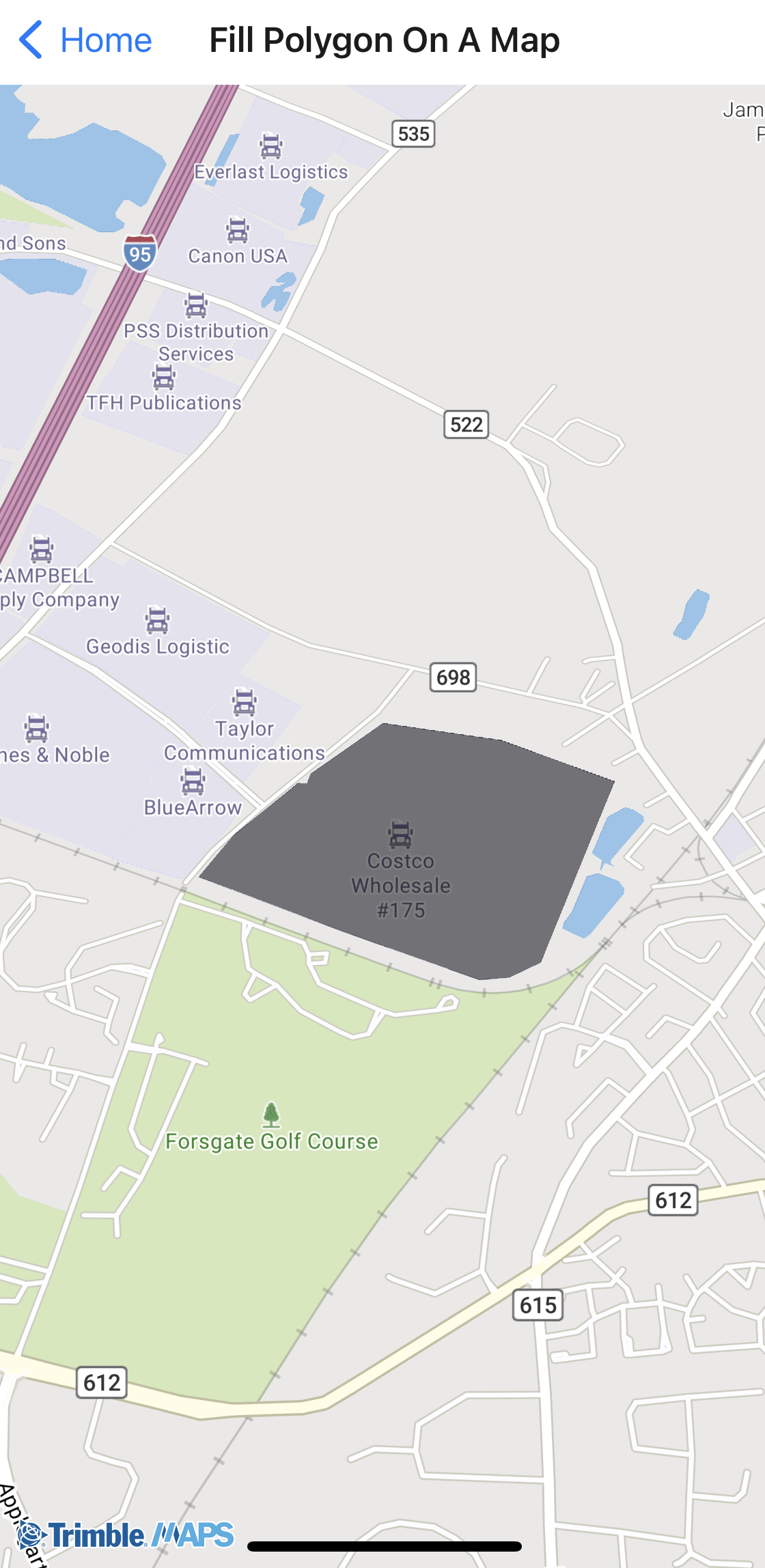
Sample code
import { Camera, GeoJSONSource, Layer, Map, TrimbleMaps } from "@trimblemaps/maps-react-native";

<GeoJSONSource id="fill-polygon" data={polygonGeoJSON}>
  <Layer
    id="fill-polygon-layer"
    type="fill"
    paint={{
      "fill-color": "#000000",
      "fill-opacity": 0.5,
      "fill-outline-color": "#000000",
    }}
  />
</GeoJSONSource>
Use cameraRef.current?.fitBounds(bounds) after the map loads to frame the polygon.
Sample GeoJSON (polygon.json)
{
  "type": "FeatureCollection",
  "features": [
    {
      "type": "Feature",
      "properties": {},
      "geometry": {
        "type": "Polygon",
        "coordinates": [
          [
            [-74.703, 40.365],
            [-74.655, 40.365],
            [-74.655, 40.338],
            [-74.703, 40.338],
            [-74.703, 40.365]
          ]
        ]
      }
    }
  ]
}