Tracking Follow Me
Track a vehicle or other assets on the map by showing the user location puck and following the camera.
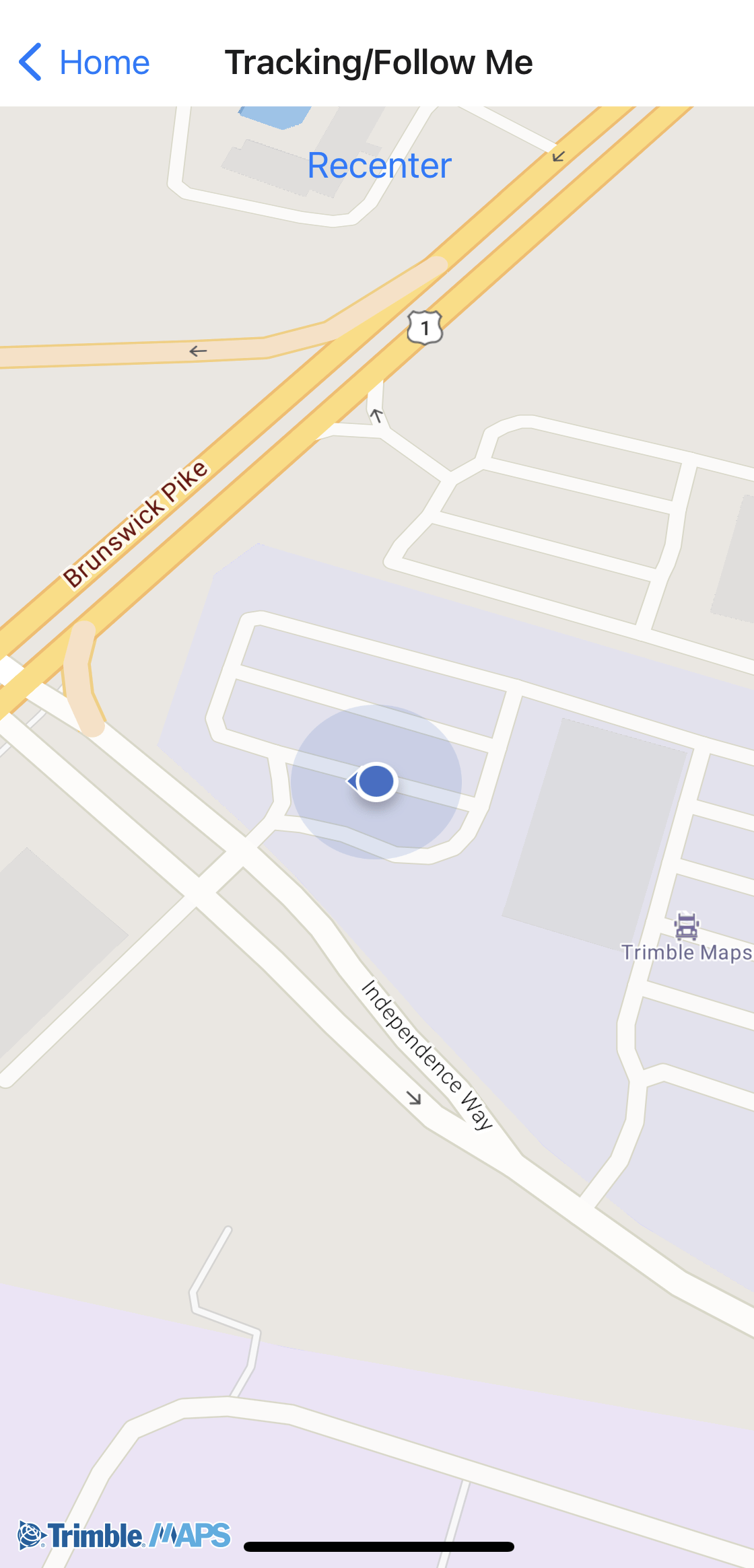
Sample code
import {
  Camera,
  Map,
  TrimbleMaps,
  UserLocation,
} from "@trimblemaps/maps-react-native";
import { PermissionsAndroid, Platform } from "react-native";
import { useEffect, useState } from "react";

async function requestLocationPermission(): Promise<boolean> {
  if (Platform.OS !== "android") {
    return true;
  }
  const granted = await PermissionsAndroid.request(
    PermissionsAndroid.PERMISSIONS.ACCESS_FINE_LOCATION,
  );
  return granted === PermissionsAndroid.RESULTS.GRANTED;
}

function FollowMe() {
  const [locationReady, setLocationReady] = useState(false);

  useEffect(() => {
    requestLocationPermission().then(setLocationReady);
  }, []);

  if (!locationReady) {
    return null;
  }

  return (
    <Map mapStyle={TrimbleMaps.StyleURL.MobileDay} style={{ flex: 1 }}>
      <Camera trackUserLocation="default" zoom={16} />
      <UserLocation accuracy heading />
    </Map>
  );
}
Request location permissions before enabling tracking. See Location and tracking.