Basic map
Add a map to your application. Right out of the box, the map displays geographic boundaries, street names, road data, and more. The map can be then be styled, moved, and rotated.
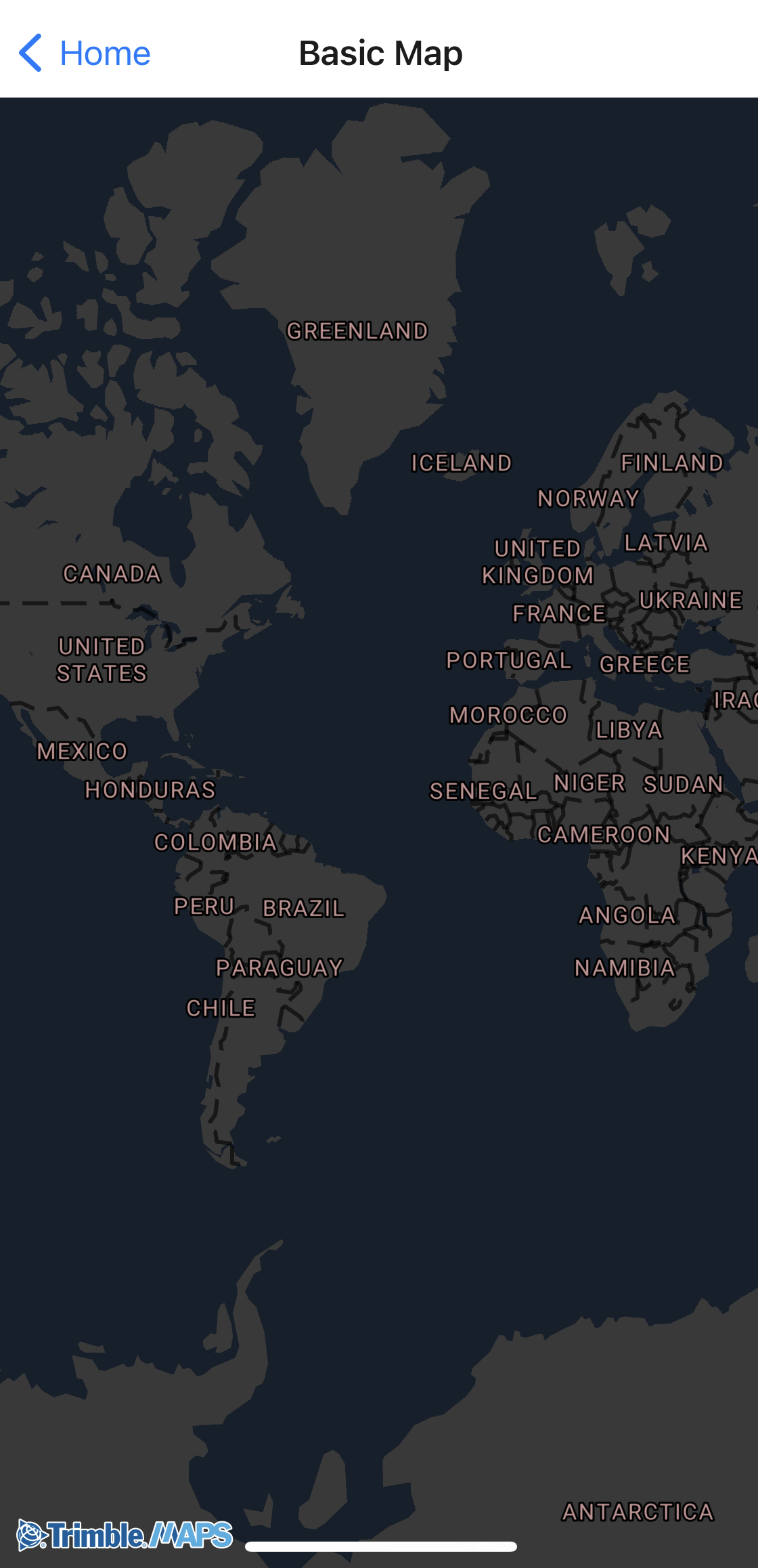
Sample code
import React, { useState, useEffect } from "react";
import { NativeModules, StyleSheet, View } from "react-native";

import { TrimbleMapsMap } from "./TrimbleMapsMapViewManager";

const TrimbleMapsMapView = NativeModules.TrimbleMapsMapViewModule;

export const BasicMap = () => {
  const [styleURL, setStyleURL] = useState(null);

  useEffect(() => {
    // Load the style URL
    TrimbleMapsMapView.MobileNight()
      .then((style) => {
        setStyleURL(style);
      })
      .catch((error) => {
        console.error("Failed to load style:", error);
      });
  }, []);

  const onMapLoaded = (e) => {
    console.log("Map loaded");
  };

  const onMapStyleLoaded = (e) => {
    console.log("Map Style Loaded");
  };

  const styles = StyleSheet.create({
    container: {
      flex: 1,
    },
  });

  if (!styleURL) {
    return <View style={styles.container} />;
  }

  return (
    <View style={styles.container}>
      <View style={styles.container}>
        <TrimbleMapsMap
          style={styles.container}
          onMapLoaded={onMapLoaded}
          onMapStyleLoaded={onMapStyleLoaded}
          styleURL={styleURL}
        />
      </View>
    </View>
  );
};